SwiftStrip
Classic Docks the Way You Want


After years of searching for the perfect dock launcher — one that could replace that almost perfect app DragThing, many of us loved before it was discontinued — I decided to build it myself.
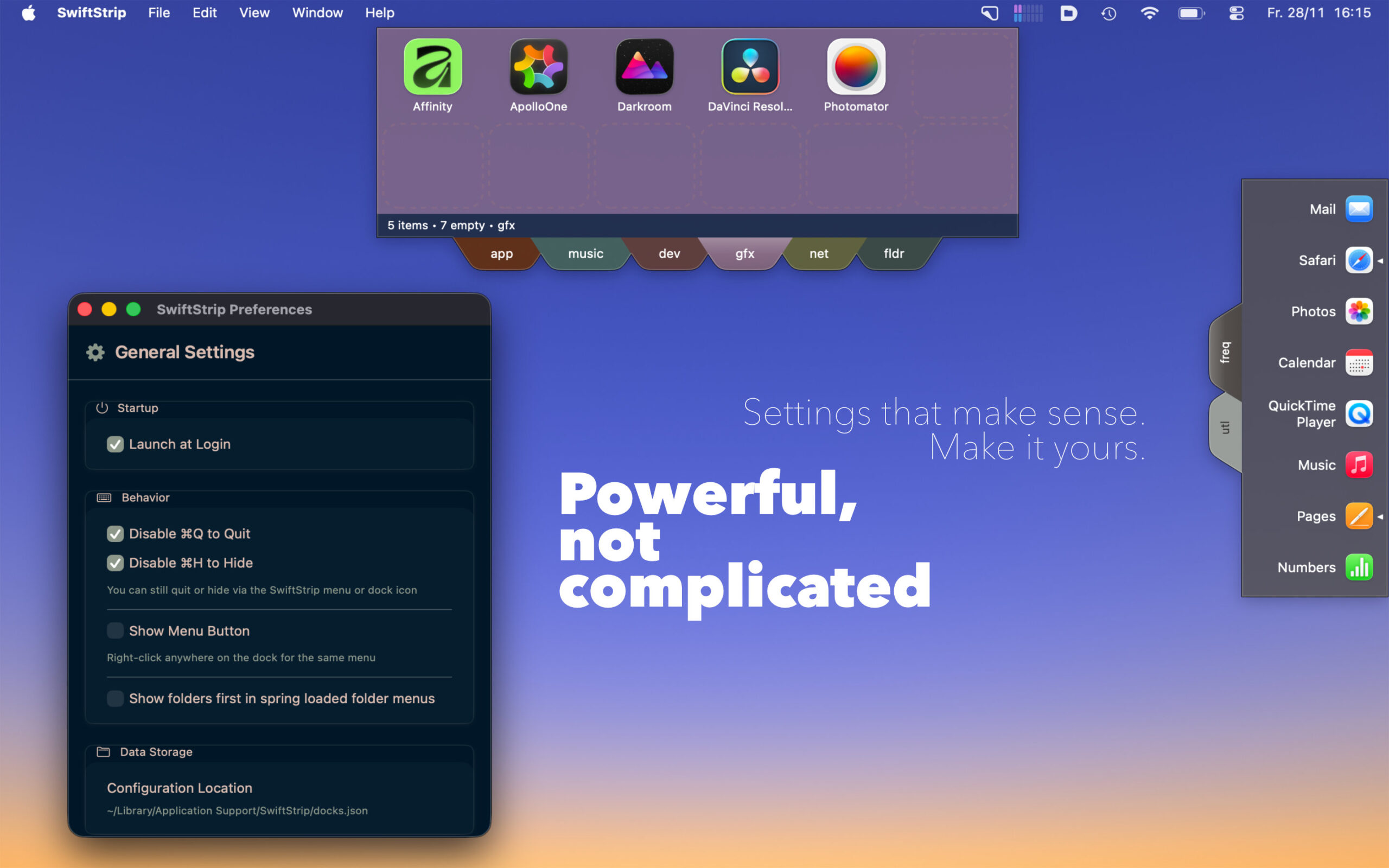
SwiftStrip is a modern dock launcher for macOS that brings back the joy of organizing your apps, files, and folders exactly the way you want. No rigid grids. No forced workflows. Just flexible, floating docks that stay out of your way until you need them.
What makes SwiftStrip different?
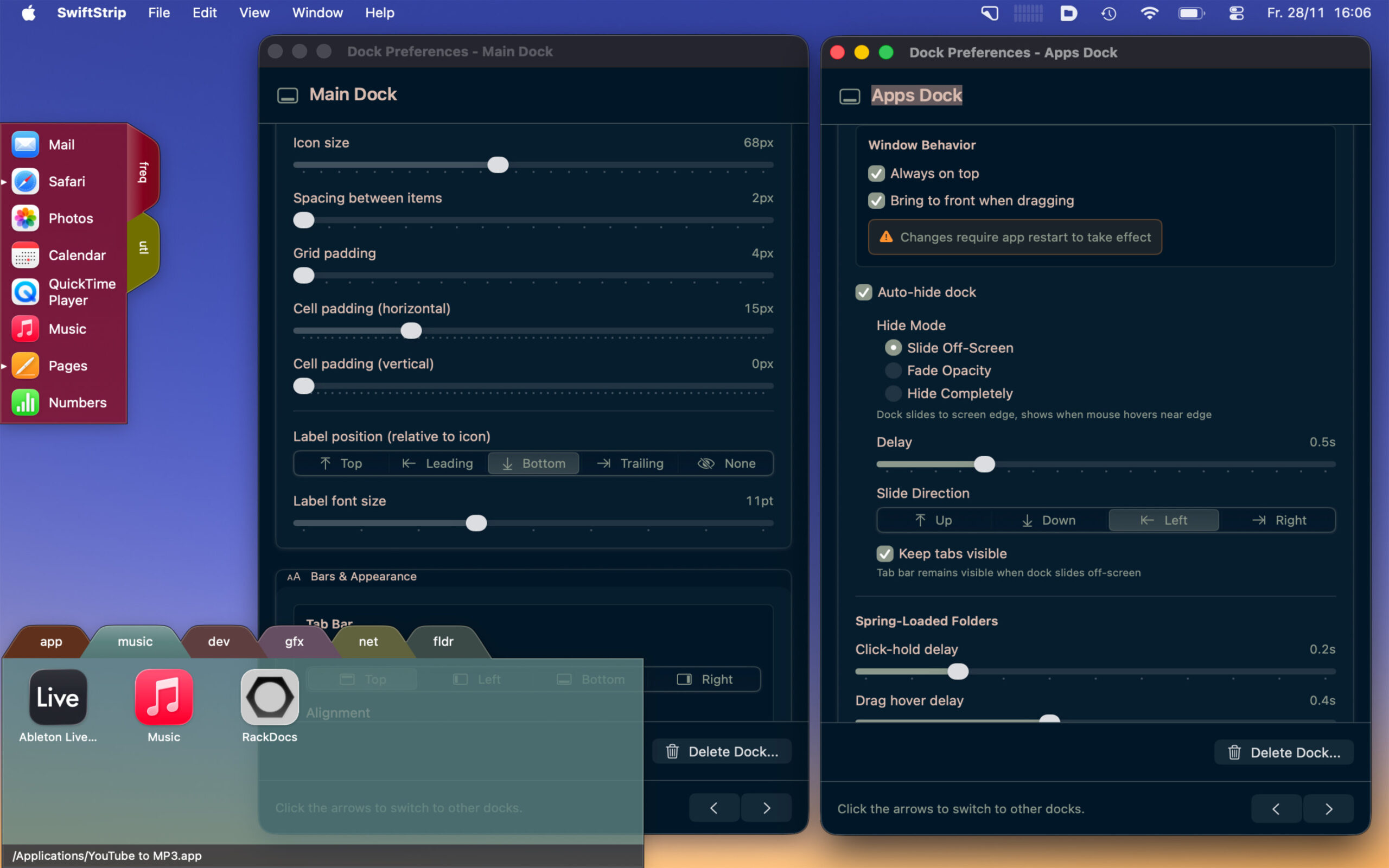
It’s simple when you want it simple, and powerful when you need more. Create as many docks as you like, organize them with tabs, customize every visual detail, and place them anywhere on your screen. SwiftStrip remembers everything — positions, sizes, contents — so your workspace is always ready.

Core Features

Make It Yours
Auto-Hide Options
Keyboard-Friendly
⌘1 through ⌘9 switches tabs instantly. ⌘T creates a new tab. Everything feels native because it is — SwiftStrip is built with AppKit and SwiftUI, following Apple’s Human Interface Guidelines.
Smart Details
Network volumes that get disconnected? SwiftStrip shows them dimmed with a badge, and you can remount directly from the spring-loaded menu. Moved a file? SwiftStrip helps you find it again. The app respects your Mac, using minimal resources and saving your configuration automatically.
Try Everything Free for 30 Days